Qali Get Qali $2.99

For Windows 10 & 11

Sweep your desktop under the rug.

Qali lays a real, woven rug across your Windows desktop. Drag it over the icons you don't want to look at. Flip a corner or roll it up when you need them back.

One payment. No subscription, no account, no ads.

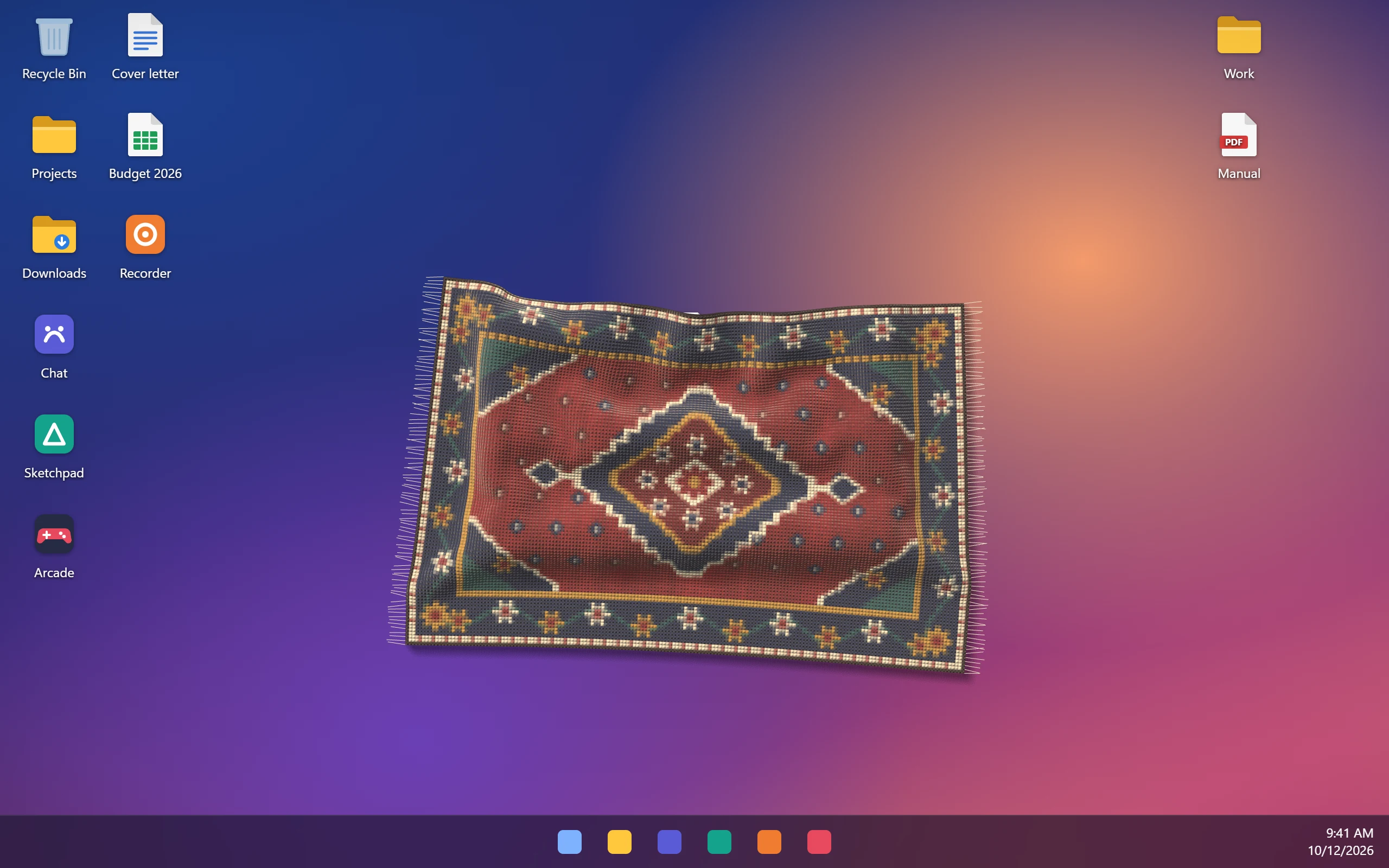
A Persian rug lying on a Windows desktop, covering a pile of icons.

Grab a corner and fold it back. Right-drag to roll it up.Drag a corner to fold it back.

Weave
Size

0 of 22 icons hidden

This is the showroom sample: Qali's real cloth physics, squeezed into a browser tab and laid on a pretend desktop. The actual app is smoother, snappier and lies on your real desktop. Think of this as feeling the rug in the store before you take it home.

How it works

It's not a picture of a rug. It behaves like one.

Qali simulates the rug as heavy cloth, 1,536 points that pull on each other. It finds where Windows keeps your icons and drapes over them, so you can still see the lumps.

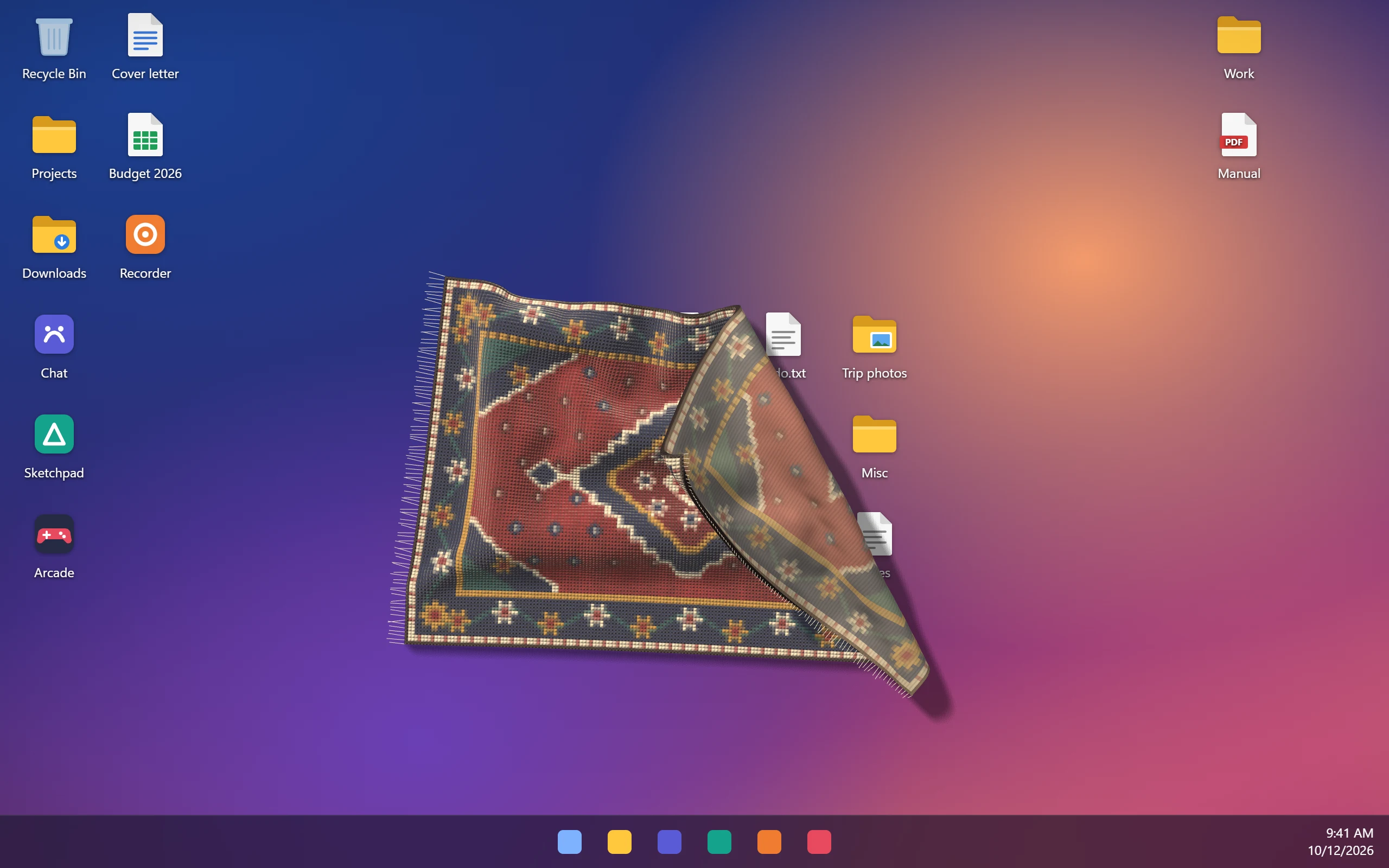
A rug on a Windows desktop with its top-right corner lifted and folded back, showing icons underneath.
01

Grab a corner, fold it back

Left-drag anywhere and the rug follows your hand. Turn the mouse wheel while you hold it to lift it higher. Let go and it drops with a little weight and stays folded.

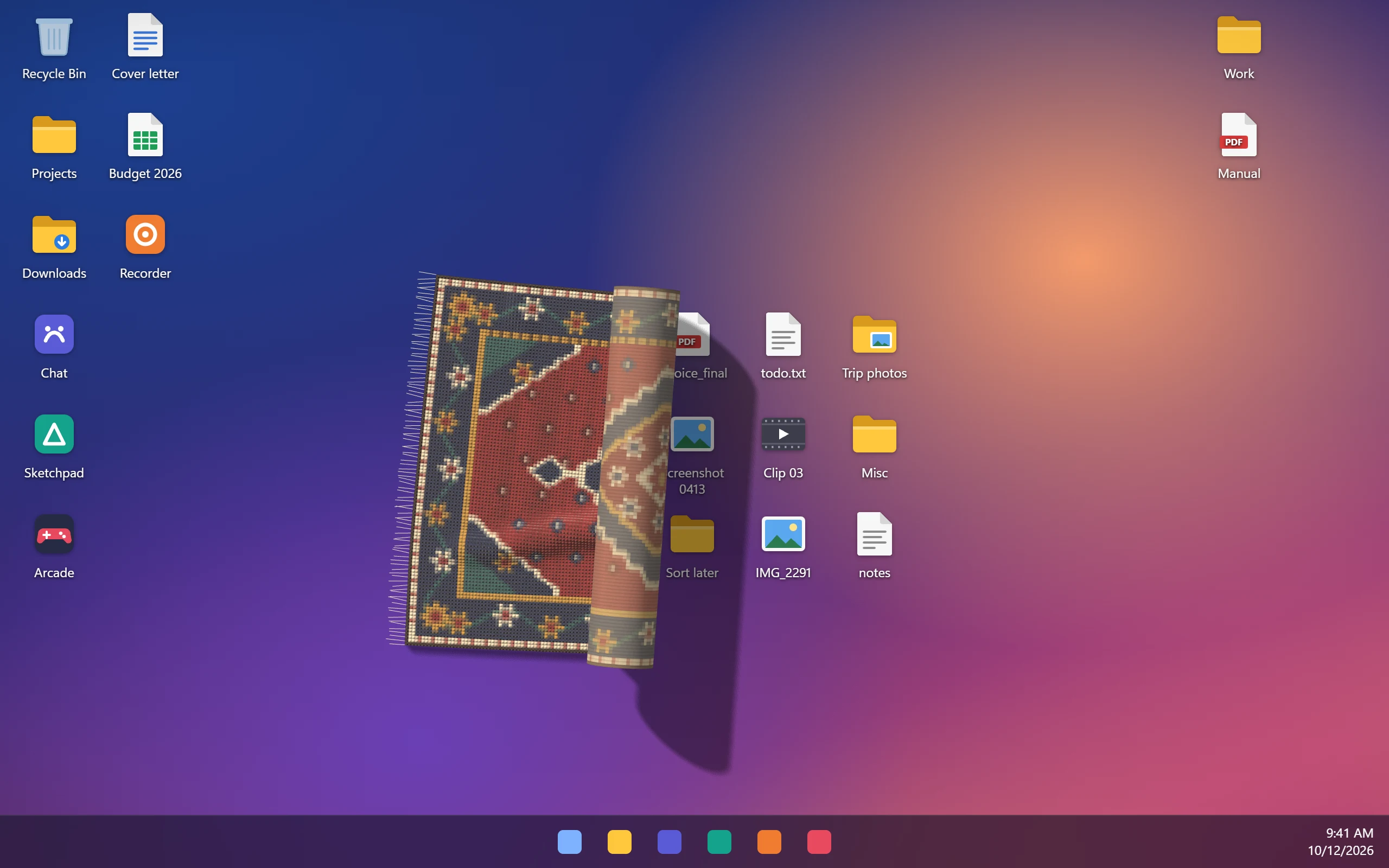
The rug rolled up halfway from the right, revealing the desktop icons it was hiding.
02

Roll it up when you need your files

Right-drag in any direction and the rug rolls up from the opposite edge. Drag back to unroll. A rolled rug can be carried around in one piece. Your icons never move, and nothing is deleted.

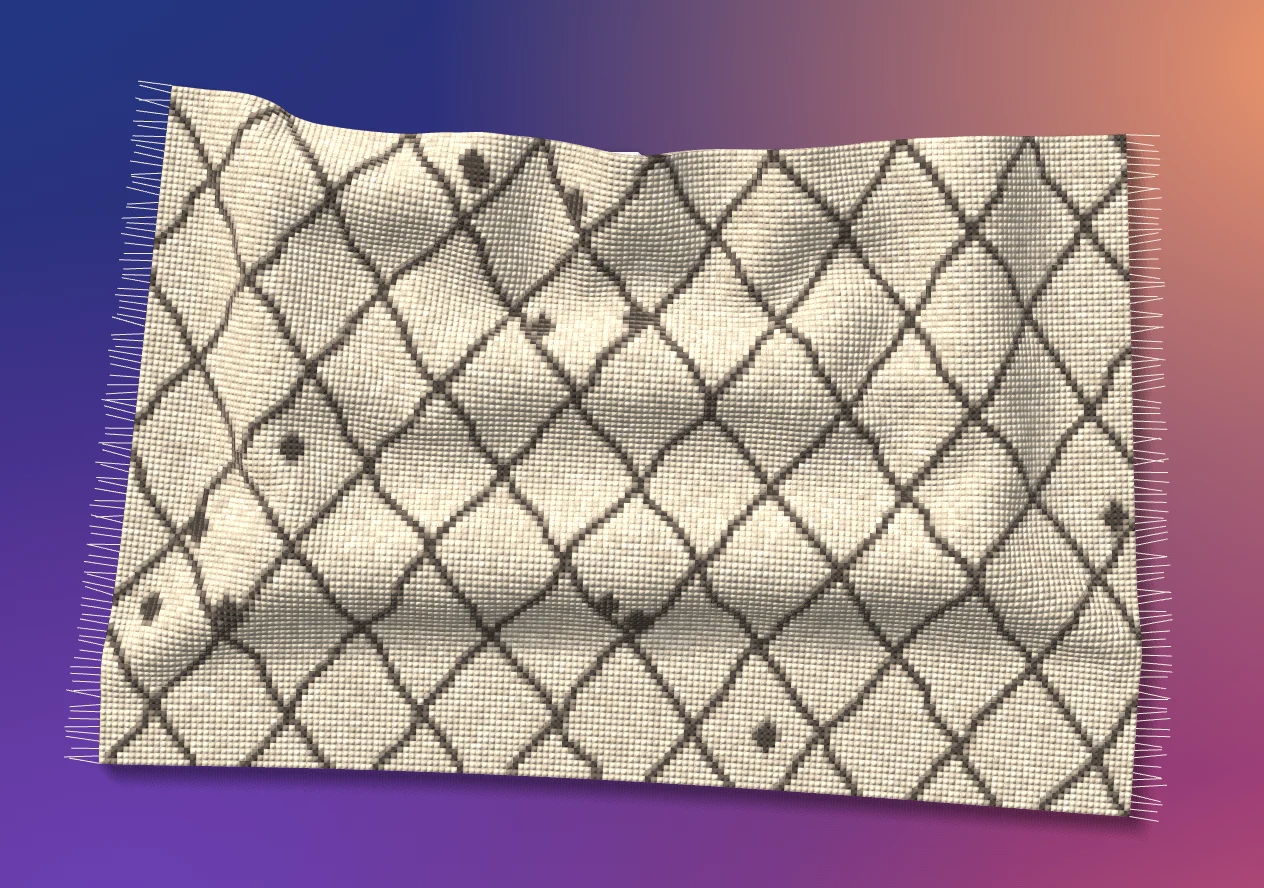
Qali's settings panel next to a striped kilim rug on the desktop.
03

Make it yours

Right-click the rug for the menu: flatten, roll, three sizes, fringe on or off. Settings has four weaves, or turn any photo into a rug.

Left-drag Grab, pull and fold
Wheel while dragging Lift it higher
Right-drag Roll up, drag back to unroll
Right-click Menu
Double-click Flatten

Weaves

Four rugs, or your own picture.

Every design is knotted at runtime, with pile, wool noise and a woven back, so it catches the light like the real thing.

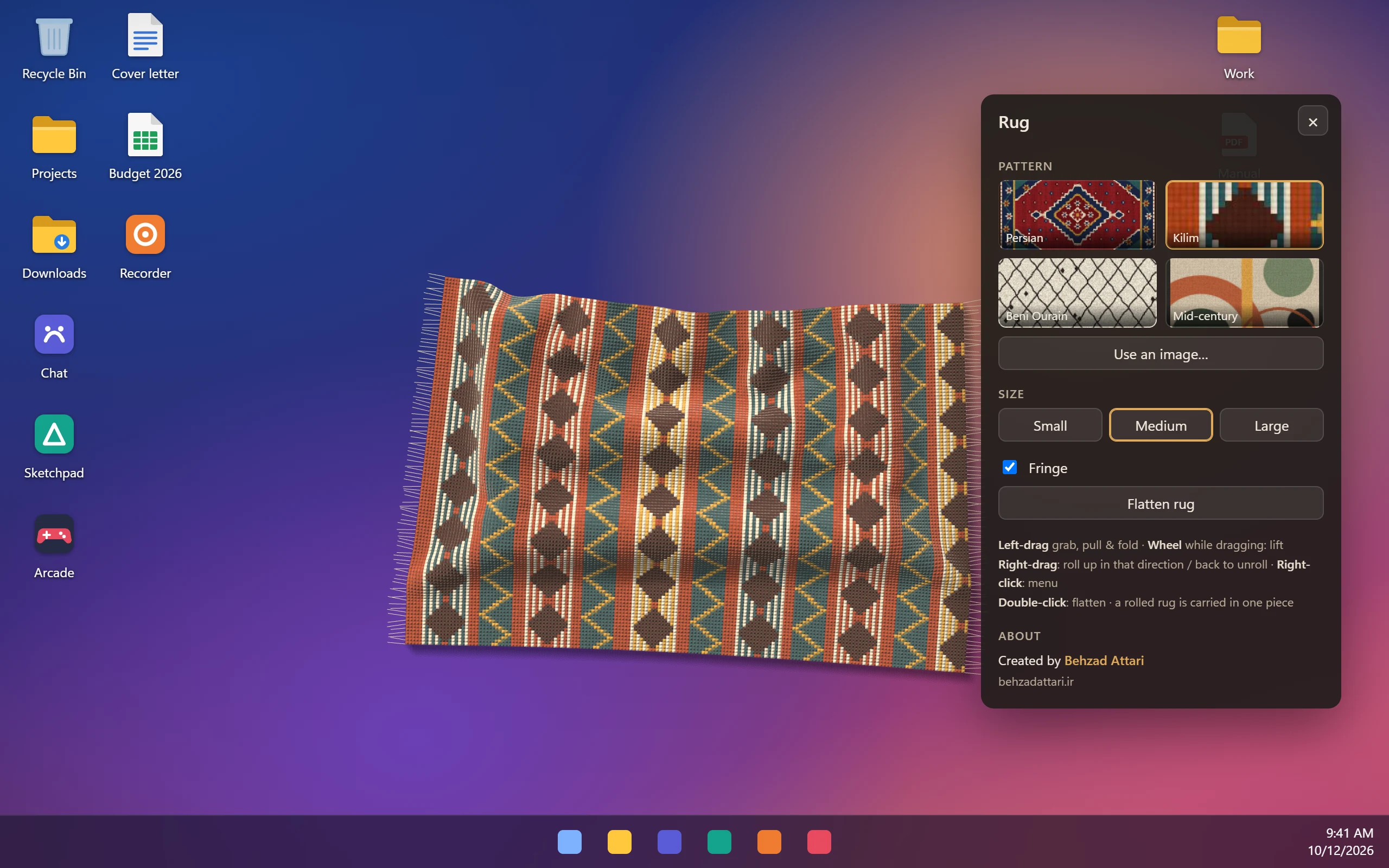
  • Persian rug with a red field, navy border and central medallion.
    Persian Red field, medallion, star border.
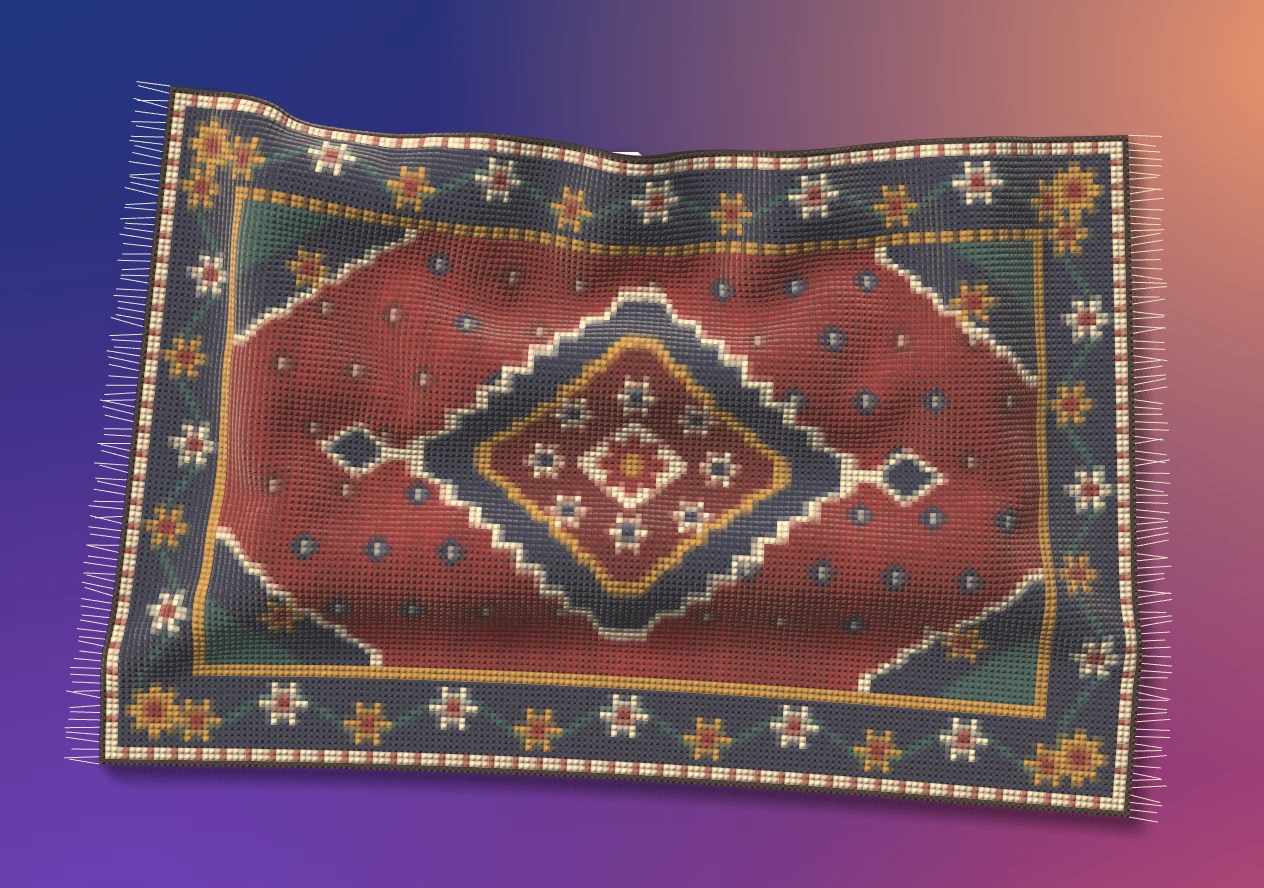
  • Kilim rug with vertical stripes of diamonds and zigzags.
    Kilim Flat-woven stripes and diamonds.
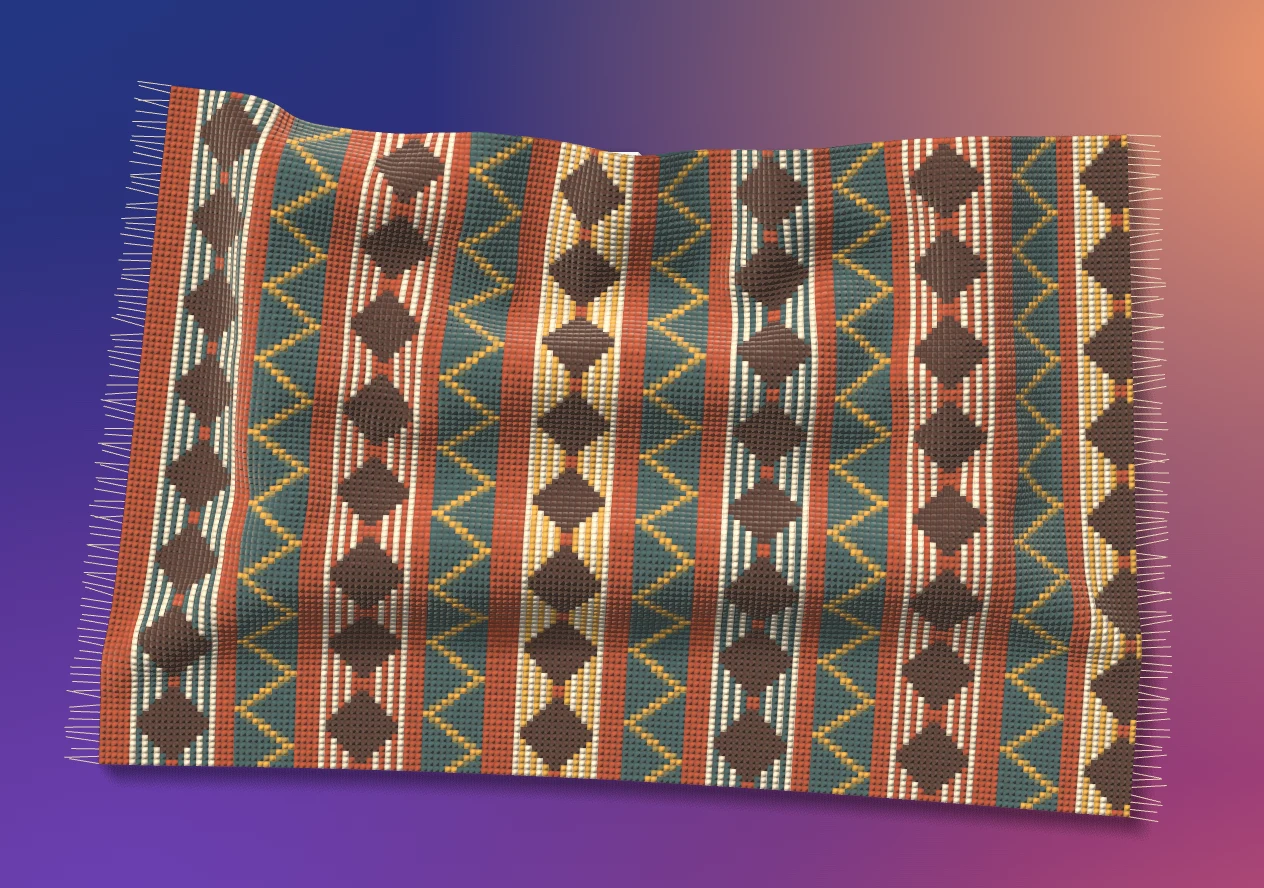
  • Cream Beni Ourain rug with a dark diamond lattice, showing the bumps of icons underneath.
    Beni Ourain Shaggy cream with a lattice.
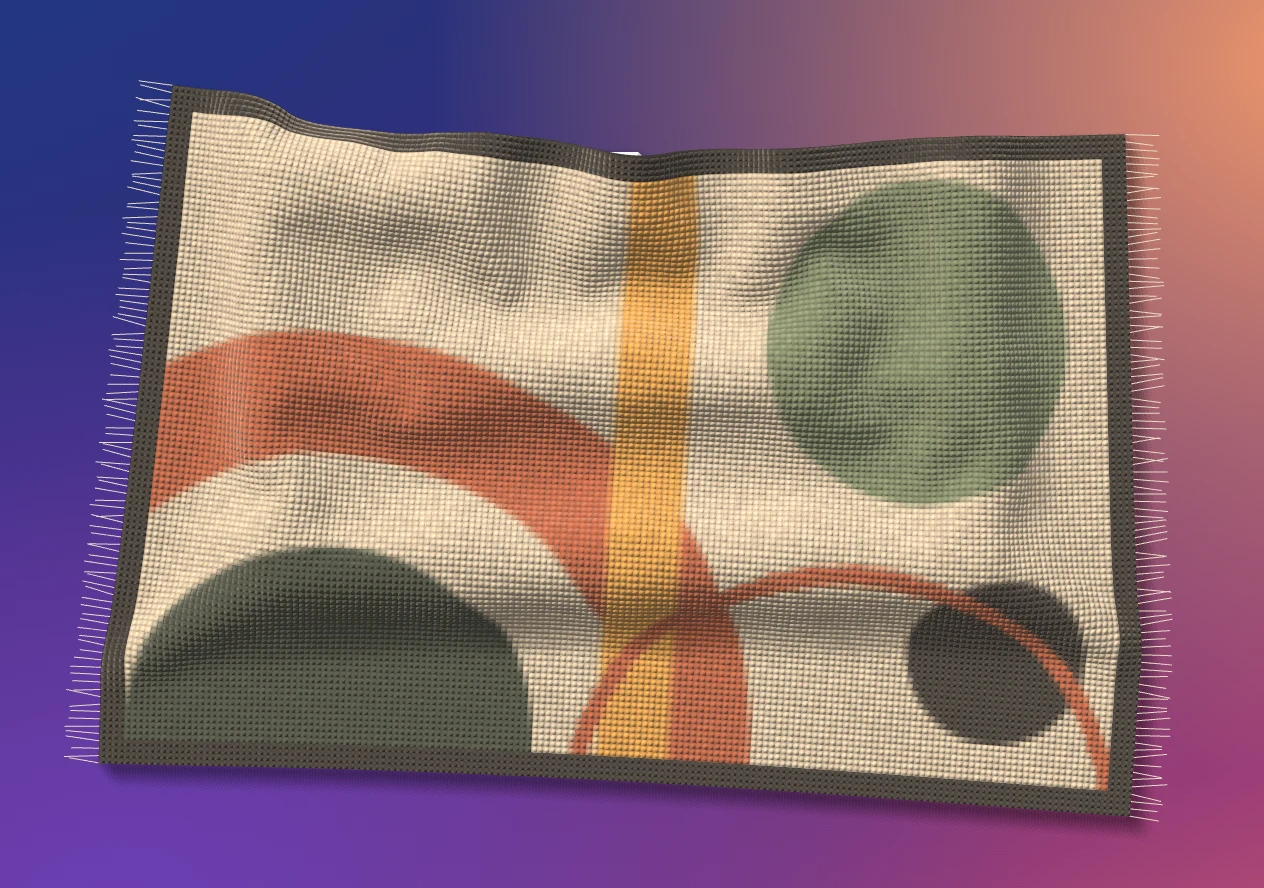
  • Mid-century rug with abstract circles and arcs in green, orange and mustard.
    Mid-century Circles and arcs in warm tones.
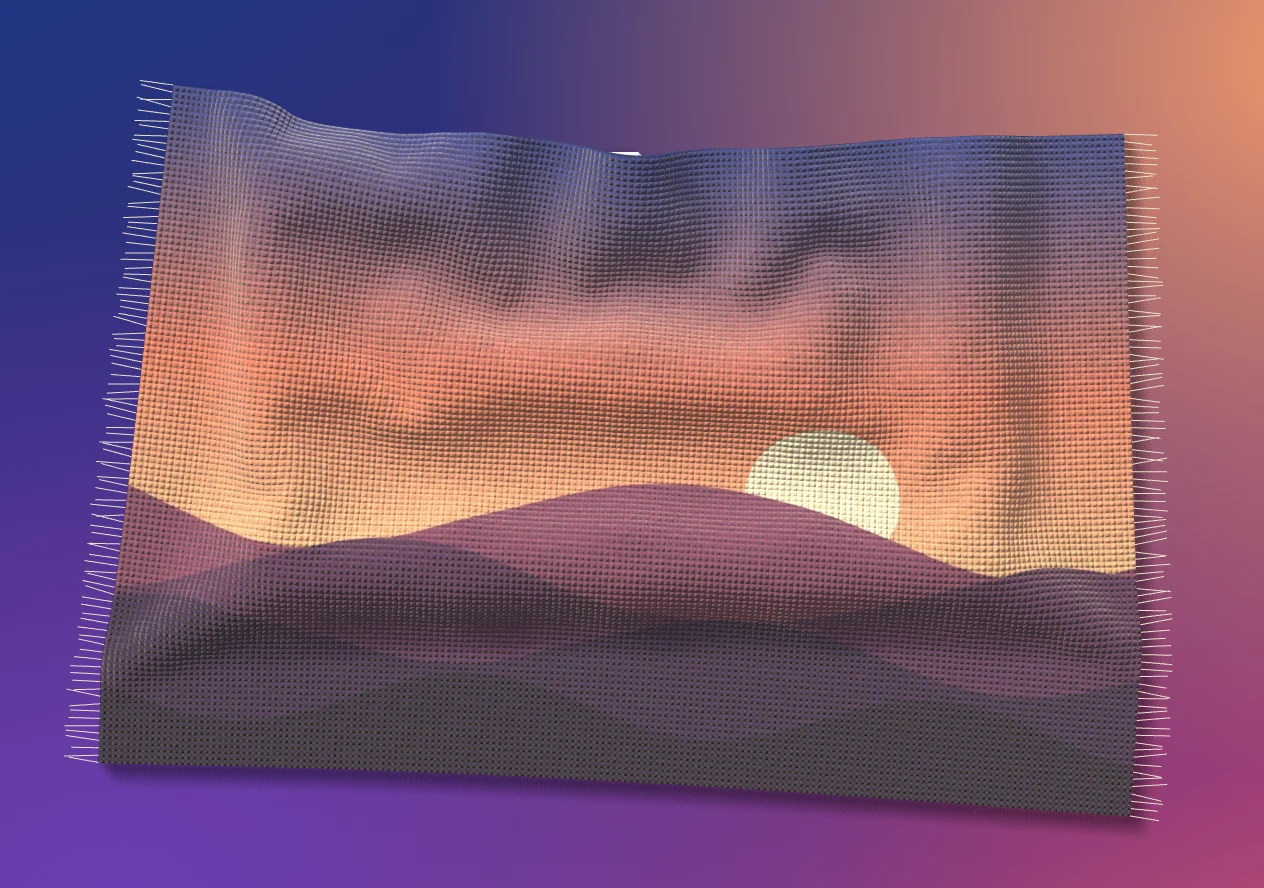
  • A rug woven from a sunset landscape picture.
    Your picture Pick any image and Qali weaves it.

Small things

Light on your PC.

  • Sleeps when it's still

    Once the rug settles, the simulation stops. Sitting on your desktop, it uses no CPU.

  • Remembers where you left it

    Folded, rolled or crooked, the rug is right where it was when you restart.

  • Lives in the tray

    Left-click the tray icon to show or hide the rug. Right-click it for settings and Quit.

  • Tiny download

    A 2.4 MB installer. It uses the WebView2 runtime that Windows already has.

Where Qali comes from

The idea is Terkel's. The Windows version is mine.

In October 2026 developer Terkel shared a rug for the macOS desktop that you could hide your icons under. I loved it, and I wanted one on my PC, but it was made for Mac.

So I built Qali for Windows. It has its own cloth physics and renderer, reads where Windows actually puts your icons, and sits behind your windows like part of the wallpaper.

All credit for the idea goes to Terkel. Qali is my own independent take on it, and isn't affiliated with or endorsed by him.

Behzad Attari behzad.codes

قالی (qali) is the Persian word for rug.

Get Qali

$2.99 once. It's yours.

Pay with crypto today. Card payments are on the way. After your payment confirms, the Qali installer is emailed to you, usually within 24 hours.

  1. Send the payment. Choose a coin and send to the address shown.
  2. Tell me about it. Enter your email and the transaction ID, then send the message.
  3. Get the installer. I confirm the payment and email Qali_0.1.5_x64_en-US.zip to you.

Send exactly or a little more


To this address

Questions

Before you buy.

What does Qali run on?

Windows 10 and 11, 64-bit. It uses the WebView2 runtime that already ships with both.

Is there a Mac version?

No, Qali is Windows only. The original desktop rug idea came from Terkel's macOS rug, so that's the place to look on a Mac.

How do I install it?

Unzip the file you receive and run Qali_0.1.5_x64_en-US.msi. Qali puts an icon in your system tray. Left-click it to show or hide the rug, right-click it for settings and Quit.

Windows says the publisher is unknown. Is that normal?

Yes. Qali is a new independent app and isn't code-signed yet, so SmartScreen may warn you. Choose More info, then Run anyway.

Does the rug really hide my icons?

Yes. The rug lies on top of your desktop icons and covers whatever is under it. Fold it or roll it up and they're right where you left them. Nothing is moved or deleted.

Will it slow my PC down?

No. The rug stops simulating once it settles, so while you work it uses almost nothing.

Which coins can I pay with?

Bitcoin, Ethereum and USDT on the TRON network. Send on the exact network shown beside each address, because coins sent on another network can't be recovered.

How long until I get the file?

Payments are confirmed by hand, so the installer is emailed to you within 24 hours of your message. If it takes longer, write to me and I'll sort it out.